We edited these videos
through ChatGPT.
Same doctors. Same voices.
A different first impression.
A real dental practice. Seventeen videos. See what changed, explore the techniques, and borrow the prompts for your own footage.
Give the expertise a better setting.
Read the excerpt transcript
Five tips for a successful Invisalign journey. Tip number one, wear your aligners consistently. Aim for 22 hours a day. Invisalign only works when you wear them. Tip number two, remove your aligners when eating or drinking, except water. This will help protect both your teeth and the aligners. Tip number three,
The starting recording already had the important ingredient: a doctor speaking directly to patients. We replaced the visible studio backdrop, refined the framing, and used a restrained finish to give that same performance a more considered setting.
Watch the background and the amount of space around the presenter. When the source changes camera angle, the replacement room uses a corresponding view.
The starting point
The expertise was already there.
Allegra Dental Center had recordings of its doctors answering the kinds of questions patients bring to a dental visit. The explanations were useful. The footage already contained edited camera changes. What it needed was a visual presentation that reflected the care behind those explanations.
I worked with Dr. Nana Dickson and the Allegra team to develop a consistent treatment across 17 videos: considered settings, closer framing, supporting visuals, readable graphics, and covers made from professional photography.
The editing directions happened conversationally. We reviewed a sample, described what needed to change, and checked the next version. The examples here show matching excerpts from the starting recordings and the latest review edits.
This project used ChatGPT through a local Codex workflow with access to the video files and editing tools. FFmpeg handled video processing and export; foreground masking separated the presenter from the backdrop; image-generation tools supplied replacement settings and supporting imagery. Code assembled the typography and motion. To reproduce this approach, you need a workspace with access to those files and tools. The prompts below direct that workflow.
Explore OpenAI's ChatGPT and Codex training ↗Explore the tools and techniques behind the edit
Foreground separation. We used Robust Video Matting with an ONNX model to estimate which parts of each frame belonged to the presenter. Its temporal memory helps carry information between frames. Additional masks and edge cleanup helped preserve the chair and clothing. We reset that processing at camera cuts.
Background compositing. We prepared front and side views of each generated setting and selected the corresponding view at the recorded camera changes. A transparency mask combined the presenter with the new room. Framing adjustments were applied to the presenter separately from the architectural background.
Subtle color treatment. Face detection guided a softly feathered correction area. We compared treatment strengths and reduced the finish where necessary. Each doctor's treatment was reviewed individually rather than applying one identical adjustment to everyone.
Graphics and export. Python image-processing tools rendered typography, imagery, and transitions frame by frame. FFmpeg encoded browser-friendly H.264 video with audio and a fast-start layout. For these comparisons, all three views share one audio track, so switching views preserves the same explanation.
Begin with one sample, not seventeen.
A representative excerpt makes decisions concrete. Include a camera change, hair or hand movement, and a moment where a graphic might help. Keep the original file and ask for a separate review export.
A room needs to follow the camera.
Replacing a backdrop is more involved than placing a room image behind a person. The foreground needs clean edges around hair, clothing, hands, and the chair. The room needs a believable scale and light direction. If the recording cuts to a different view, the replacement background needs a corresponding perspective.
In this project, tighter cropping alone would have removed part of the presenter. We kept the person intact and worked on the background instead, then checked the result in motion.
Make the explanation visible.
Read the excerpt transcript
Hi, I'm Dr. Dickson. Let me ask you a question. When was the last time your dentist talked to you about your sleep? For inflammation? Or breathing? Or how your oral health might affect the rest of your body? For most people, the answer is never. That's because traditional dentistry has historically focused on treating teeth after
A useful explanation deserves more than a wall of text. We introduced dimensional imagery, motion, and clear visual hierarchy to support the doctor's words. The graphics give the viewer something relevant to follow while the original narration continues.
The excerpt begins eight seconds into the recording. Notice how the finished sequence moves from the doctor to a supporting visualization, then returns to her.
Give every graphic a reason to exist.
Our early graphics were too close to ordinary presentation slides. We moved toward a more distinctive visual language: dimensional imagery, deliberate motion, fewer words, and stronger typography. The useful question was always: what does this help the viewer understand?
Supporting imagery must match the subject. A beautiful but unrelated image creates confusion. Text must be large enough to read in the actual website player, not just on an editing monitor. And a collection needs enough variety that viewers are not seeing the same visual repeatedly.
Put the detail where people can see it.
Read the excerpt transcript
Composite bonding or porcelain veneers. Which one is right for you? They can both transform your smile, but they're very different treatment. Composite bonding is sculpted directly to your teeth and is typically a more conservative option. Porcelain veneers are custom made and bonded to the front of your teeth. So which is better? It really depends on your teeth, your bite, and the look you're trying to achieve.
For a comparison of bonding and veneers, the supporting visuals should help distinguish the treatments being discussed. A close material image introduces the composite explanation, while large contemporary typography gives each option its own moment.
Watch how each material gets its own visual moment. The graphic stays on screen long enough to read, with the doctor's original explanation underneath.
The most important refinement was restraint.
A stronger effect did not always make a better video. Treatments that looked promising in a short sample could feel too processed when the presenter moved or the camera changed. We reduced the correction for Dr. Dickson and Dr. Henderson and kept Dr. Floyd's separately reviewed treatment.
We also explored expression changes, but they did not preserve the natural delivery we wanted. The edits shown here keep the doctors' original facial movement and speech. The lesson is simple: improve the presentation while protecting what makes the person credible.
“3 seconds is too short to assess. Can you create a 20 second clip.”
Actual direction from this project
That feedback shaped this article too. Each comparison gives you 20 seconds to judge movement, transitions, and consistency, rather than asking you to trust a flattering still.
Give people a reason to watch.
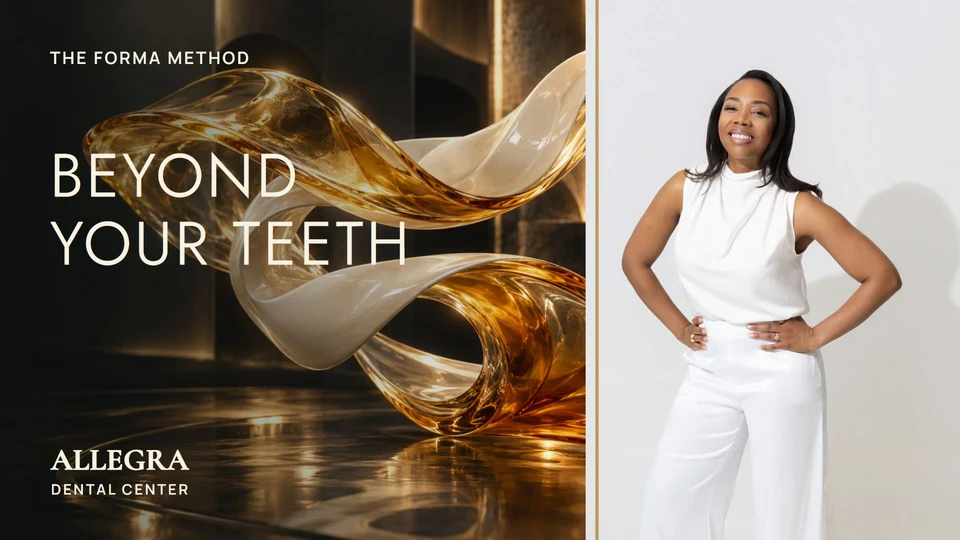
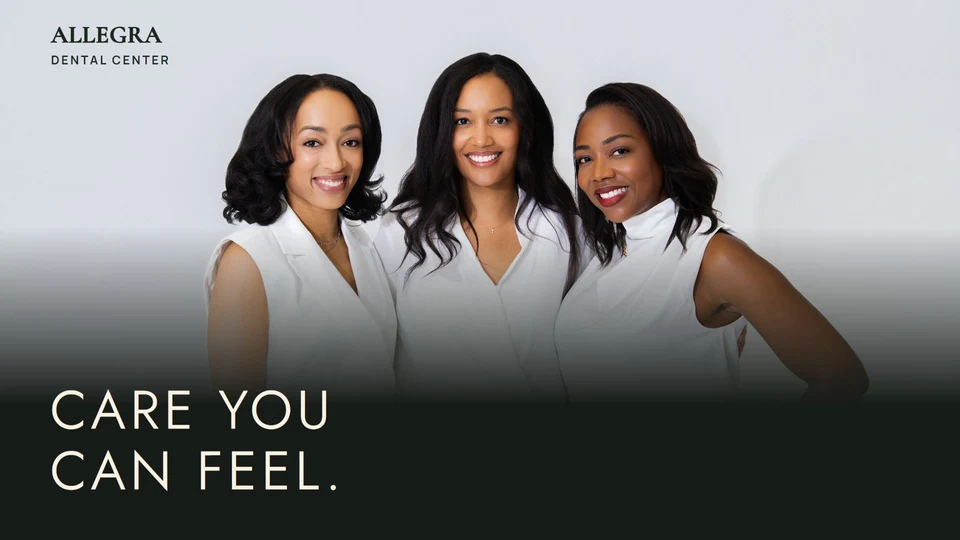
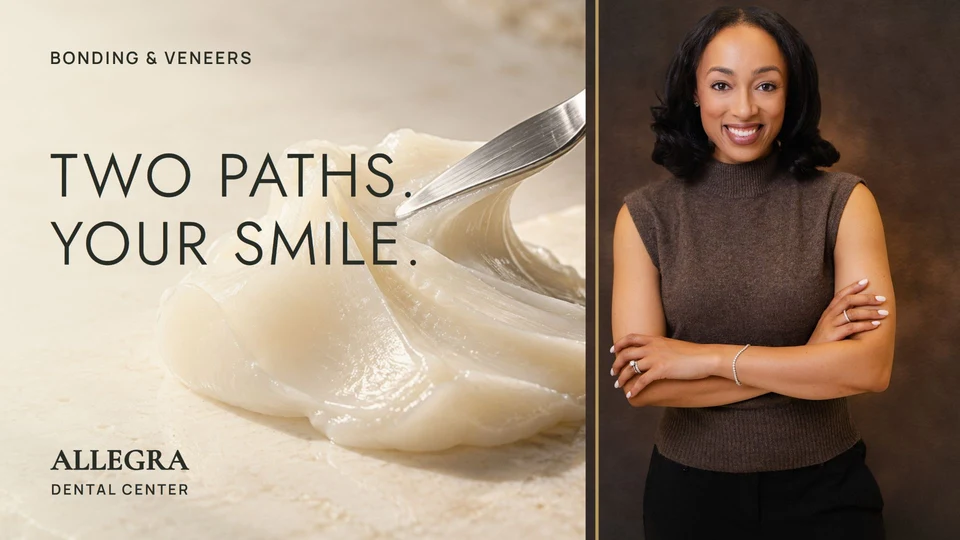
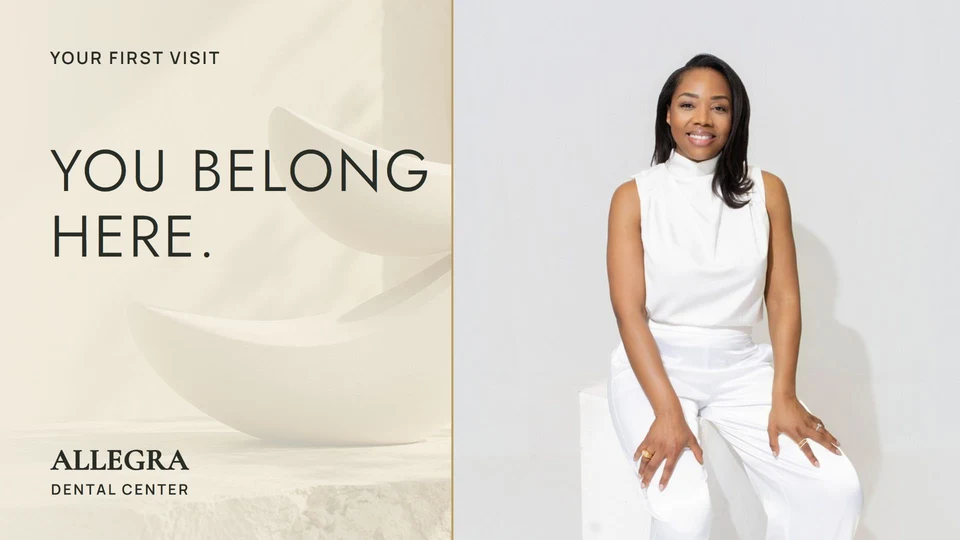
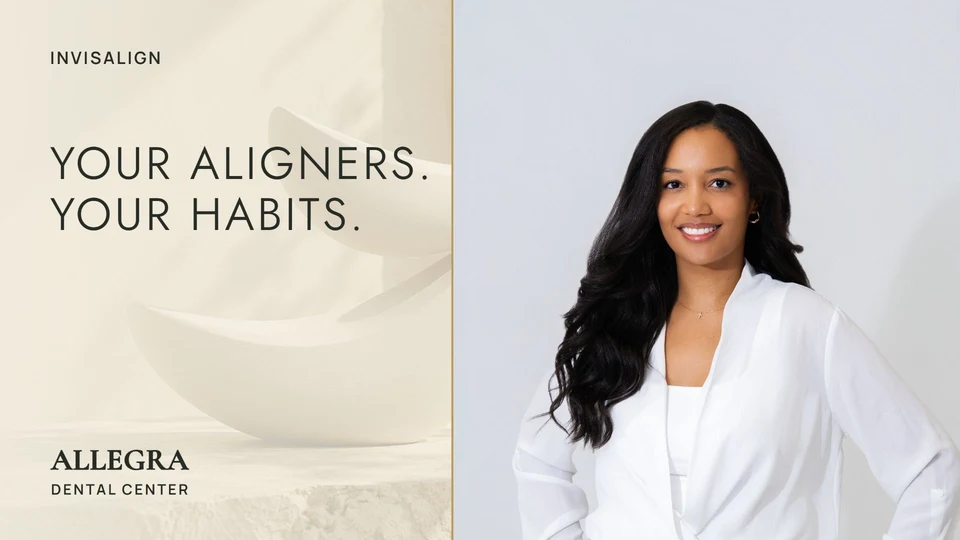
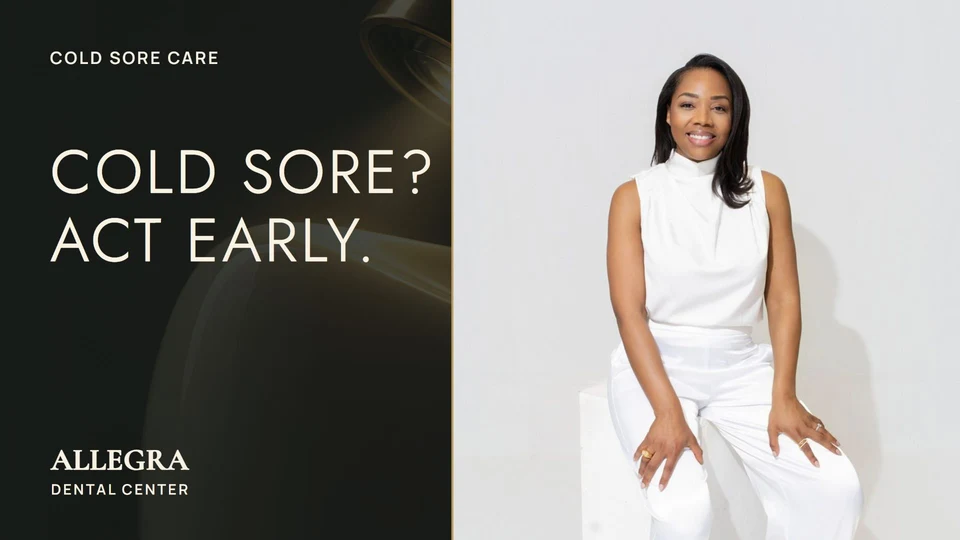
The cover and title invite someone to watch. We used the doctors' professional photographs alongside distinctive graphic covers, then wrote titles around the questions each video answers.
Doctor cover portraits came from the photo shoot, not frame grabs. The video comparisons above are playback examples; the covers below are the separate publishing artwork.
Try it with your own footage
The prompt starts the work. Review makes it useful.
Start with a recording you have permission to use, your brand references, and a clear description of the audience. Provide access to the files in an environment that can run the required editing tools. Ask it to identify missing capabilities before promising an output.
The workflow here involved foreground masking, matched background views, restrained color treatment, generated imagery, coded graphics, and encoded video exports. Some steps needed custom processing and several rounds of feedback. These prompts are reusable starting directions, not a promise that every account or tool setup can carry out every step.
- Choose one representative excerpt. Test real movement and both camera angles before editing the collection.
- Set the non-negotiables. Keep the original performance, dialogue, timing, and source files intact.
- Review the exported video. Watch at normal speed, listen to the audio, and check text on a phone.
- Let the practice make the final call. The doctors review their appearance and clinical explanations before release.
Our recorded checks covered the 17-video review collection at 1920 × 1080, including playback and preservation of audio and timing. That verifies the deliverables, not a marketing result. We are not claiming that these edits have increased appointments or views.
What can your existing footage become?
You may already have the difficult part: a knowledgeable person explaining something that matters. A more thoughtful edit can give that explanation the setting, visual support, and presentation it deserves.
You can borrow the directions above and test a small sample yourself. If you would like help with the editing, design, and review, that is work we do at Smarter Practice.
Talk about your practice videos Explore our website and growth work →